

 |
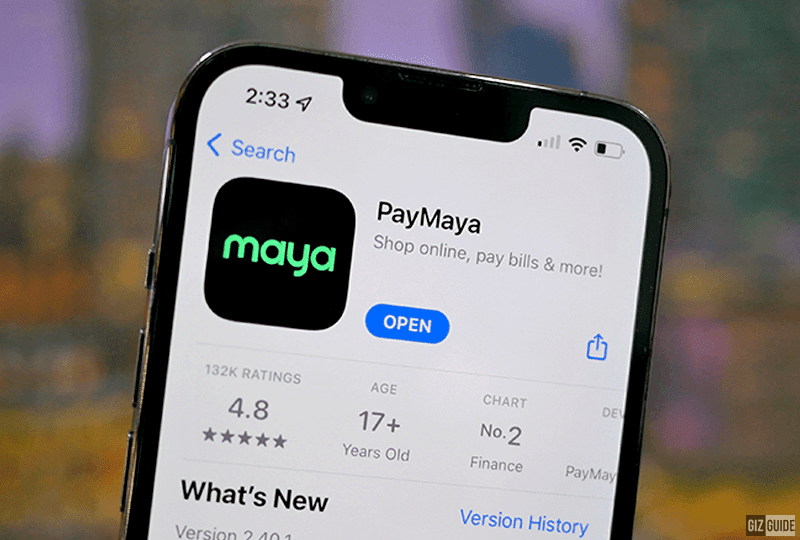
| PayMaya rebrands to Maya! |
While some perceive its presence in the local scene only recently, Filipinos started benefitting from fintech when we started to pay for loads and remit money to loved ones using analog mobile phones more than 10 years ago.
Over the past five years, we have witnessed the influx and evolution of fintech in the Philippines. From payments, insurance, money transfers, and lending to e-wallets, fintech companies made financial services easier and more widely accessible among Filipinos. What used to be services offered only in banks, are now available within a few taps on your smartphone.
As the Philippines' fintech continues to innovate, its services expand and become smarter.
Meet Maya
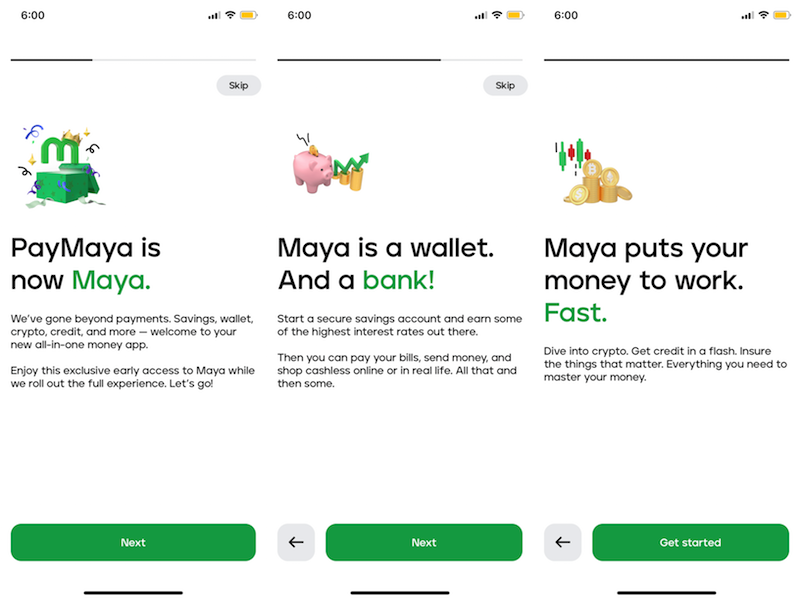 |
| Maya's welcome message |
One of fintech's latest big news is PayMaya's transformation to Maya. True to its tagline—it's everything & a bank—Maya has all money-related services: Maya Savings, Maya Credit, Maya Crypto, Maya Wallet, and more.
PayMaya used to be an e-wallet with services limited to what similar e-wallets can provide. Its recent change—from Maya to PayMaya—made it a feature-rich e-wallet app inclusive of a digital bank, crypto feature, credit line, and everything it takes to help users save, spend, grow, and master their money. It’s genuinely everything and a bank – as their new tagline says.
If you haven't updated your PayMaya app to Maya yet or didn't have the time to explore its new features, we'll take you to a walkthrough today. But before that, below are the new services added to Maya's new look.
Maya's new features:
Savings - Maya offers a 6 percent introductory rate for its Maya Savings–one of the highest offered in the market. Note that Maya has a BSP-licensed digital bank.
Credit - Maya offers up to PHP 15,000 with Maya Credit in as fast as one minute upon registration. Maya Credit is currently on Early Access, so you might have to wait for your turn to access this new feature.
Crypto - Maya lets users buy, sell, hold, and spend their crypto earnings. According to Maya, users can buy a Crypto for as low as PHP 1.
Wallet - Users can still enjoy their favorite wallet features like pay bills, buy load, bank transfer, QR, AND cash-in FOR FREE at over 90,000 touchpoints nationwide.
Moreover, Maya users will soon enjoy a more personalized experience through sending money by typing "@ + username" of their recipient. Soon, Maya users can also choose to experience the app in light mode or dark mode!
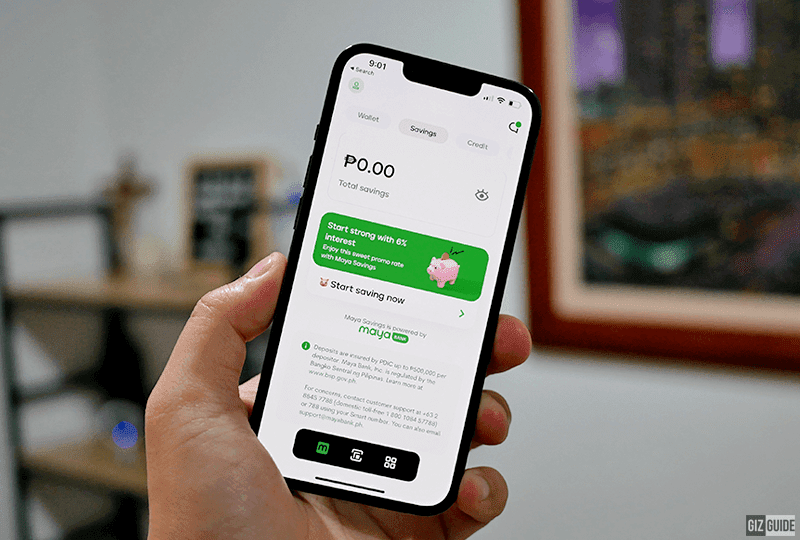 |
| Maya Savings tab |
On top of its brand new features, we also love Maya’s new look. The app features a new UI–that's way different from what we're used to with PayMaya, and frankly, other financial apps locally. It's an all-white app with green accents and black texts. Its minimalist design and fun icons are fresh and very gen-Z friendly. According to the Maya team, the app features a one-tap gesture UI which makes finishing tasks in-app quick and easy–by just using one hand.
How-to Maya
Ready to get started with your Maya journey? Here are quick how-to’s to guide you. In case you are opening a Savings, Credit, or Crypto account through Maya, you can bookmark these step-by-step processes on how to do them.
How to open a Maya Savings account
1. Go to the Savings tab of your Maya account. Tap Start my savings.
To access Maya Savings, make sure you upgrade your account. If you're not yet upgraded, just tap the Upgrade button on your app's home page, fill out the requested details, and submit a video selfie and one valid ID. Learn more at maya.ph/upgrade.
2. Key in the one-time pin sent to your mobile number.
3. Once done, you're all set! You can already deposit any amount to your Savings account from your PayMaya wallet and enjoy 6 percent interest rates.
How to apply for Maya Credit
Go to the Credit dashboard in your Maya App and tap 'Sign up for Maya Credit.'
If you're eligible for Maya Credit, you will see an 'Activate Now' button.
To become eligible for Maya Credit, complete your account and continue using Maya's other services actively.
How to activate your Maya Credit (for eligible users)
Tap ‘Activate Now’ on the Maya Credit dashboard.
Review your credit details and set your preferred bill date.
Review and accept the Terms and Conditions.
Enter your One-Time-PIN (OTP) to get a real-time update of your application.
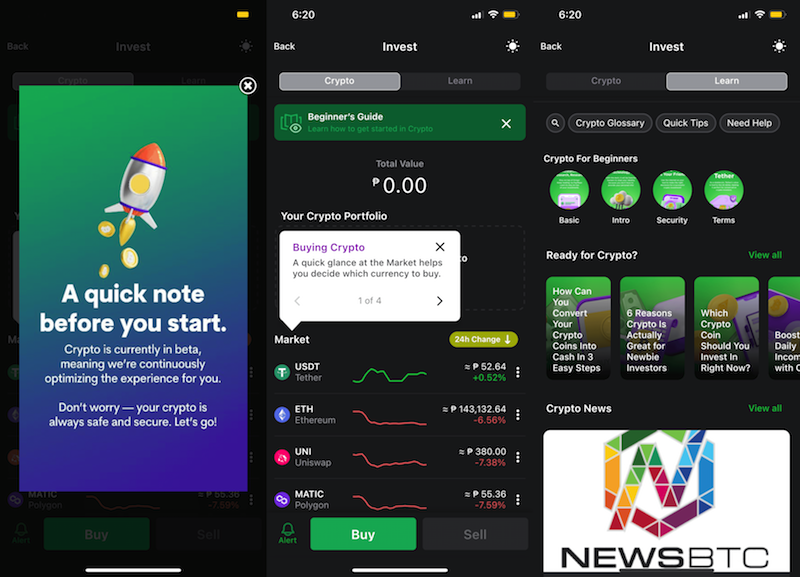 |
| Maya Crypto |
How to BUY Crypto in Maya?
Tap 'Crypto' on the Maya homepage.
Tap 'Buy' on the bottom of the screen, then select the desired cryptocurrency.
Input the desired Philippine Peso (PHP) amount you want to spend. You will see the equivalent cryptocurrency value based on an estimated market price. Then, tap 'Next' on the upper right hand of the screen.
A Confirm Purchase tab will pop up. On this tab, you will see the amount in PHP you will be spending and the amount of cryptocurrency you will be receiving through this transaction. Once you are okay with the details, you may confirm your purchase and slide to buy.
How to SELL Crypto in Maya
Tap 'Crypto' on the Maya homepage.
Tap 'Sell' on the bottom of the screen, then select the desired cryptocurrency.
Select a percentage value to sell a part of your currently owned asset. You will see the equivalent PHP value based on an estimated market price. Then tap 'Next' on the upper right hand of the screen.
A Confirm Sale tab will pop up. On this tab, you will see the amount of cryptocurrency you will be selling and the amount of PHP you will be receiving through this transaction. Once you are okay with the details, you may confirm your purchase and slide to sell.
Quick thoughts
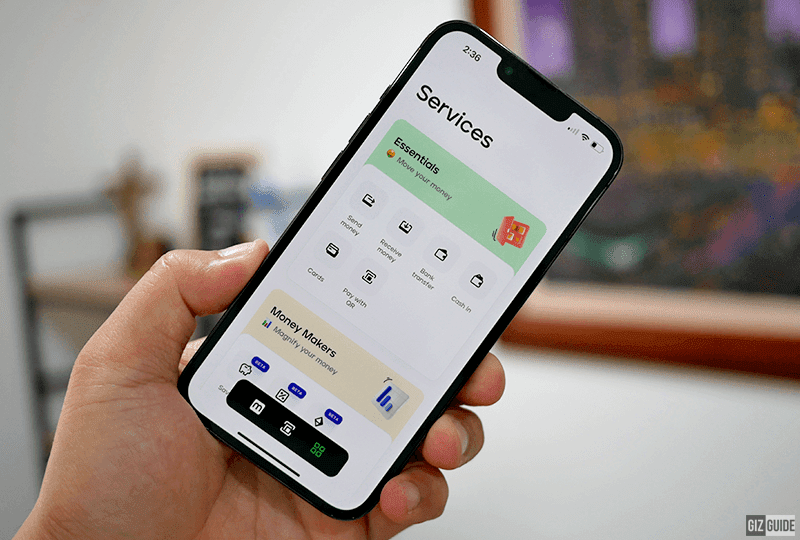 |
| Maya Services |
Maya lives true to its tagline—it's everything & a bank. It's the new must-have app for everything money because who wants to deal with multiple apps anyway?
It has everything you need in a financial app—savings, credit, crypto, bill payment, load purchase, send/receive money, bank transfers, etc. It's like a one-stop shop for everything about our hard-earned money.
If you haven't downloaded and signed up or upgraded your Maya account yet, this could be the sign to do it. Take advantage of the six percent Savings interest rates, cashback, buying and selling crypto, and deals Maya is offering.


